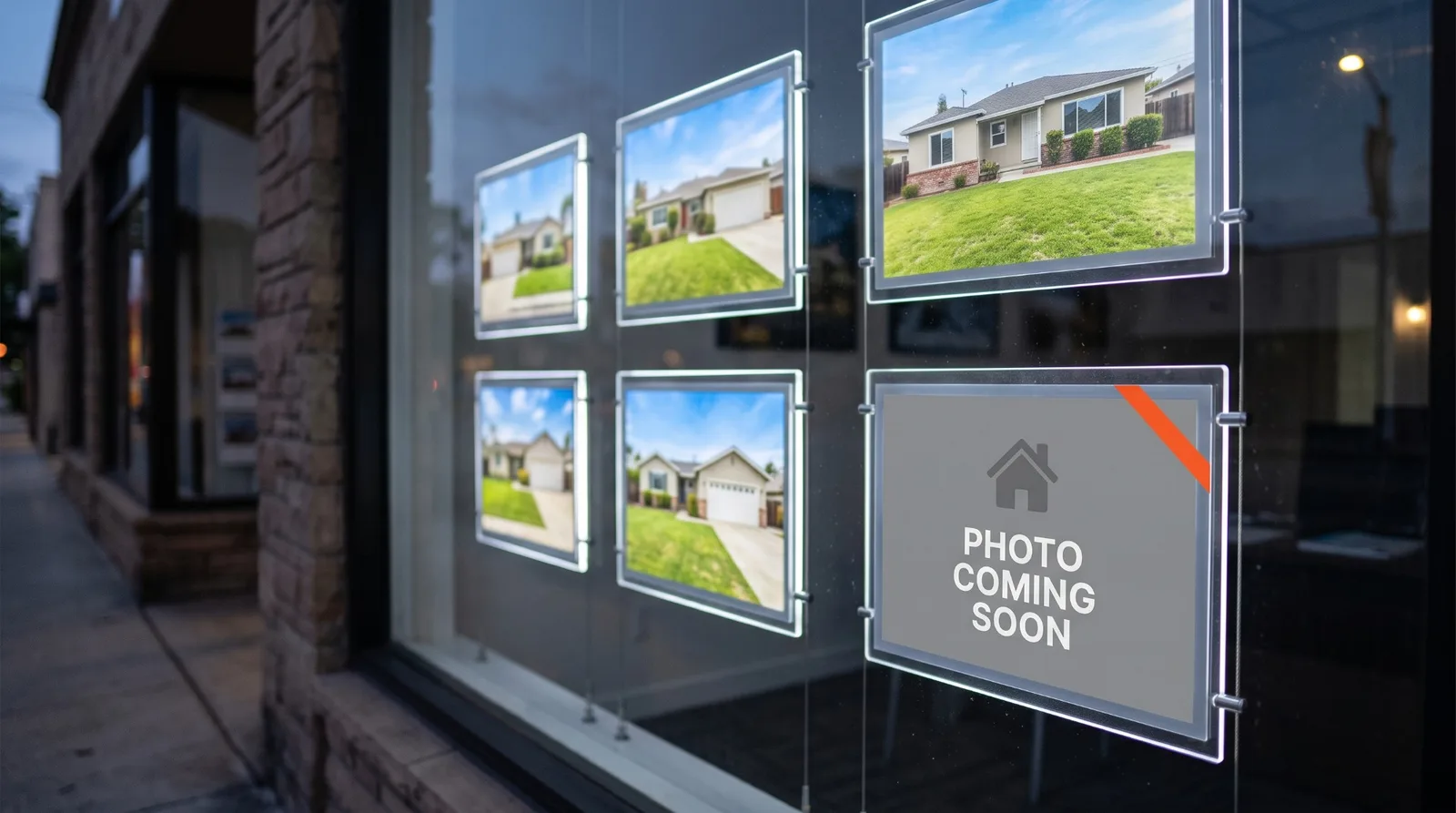
A website link preview is the little card a phone, Slack or Facebook builds when someone pastes your link: a picture, a title and a line of description, pulled from a few lines of code at the top of your homepage. We read those lines on 43 Sacramento-area brokerage websites on October 13, 2026. 18 of the 41 we could read give that card no picture at all, and only 7 hand it a photo.
That card is how most people first see your site. An agent texts the homepage to a recruit, a client forwards it to a spouse, someone drops it in a group chat. Below is what each app reads, the six ways the card goes wrong, and the ten-minute fix.
The sample is the same 43 brokerages we timed on a phone, read for their Google site name and checked for security. The method is at the end, and no firm is named.
What a website link preview reads
Every app that builds a preview reads the same handful of tags, set out in the Open Graph protocol: og:title, og:description and og:image. Slack says it looks for "common OpenGraph and X (formerly known as Twitter) Card metadata." If the tags are missing, the app falls back to whatever it can find.
Apple is the most specific about what that fallback looks like, in a technical note for developers. Without the tags, Messages shows links "as gray bubbles with the page title, domain, and small icon belonging to the linked web page." To get a picture, you need an og:image. The note also says previews "do not follow meta redirects, nor run JavaScript", so the tags have to be in the page itself, not added later by a script.
The size rules are close enough to plan for one image:
Apple Messages
| Platform | What it asks for |
|---|---|
| Apple Messages | Images "at least 900 pixels in width"; under 150 pixels wide "may be ignored or presented as icons" |
| At least 1200 x 630 for best display, close to 1.91:1, and never under 200 x 200 | |
| At least 1200 x 627, 1.91:1, under 5 MB; under 401 pixels wide shows as a thumbnail |
So a 1200 x 630 image, in the 1.91:1 shape, satisfies all three. Facebook's figures come from its link share image guide and LinkedIn's from its help page on shared link previews.
What we found on 43 brokerage sites
Two homepages did not answer, the same two as in our site name check, so the counts below are out of 41.
No preview image named at all
An image named, but it does not load
A working image
...of which a photo
...of which a logo or brand card
...of which something else
Image matching Facebook's recommended size and shape
Preview title that starts with the word "Home"
No description of any kind
| What 41 brokerage homepages hand a link preview | Sites |
|---|---|
| No preview image named at all | 16 |
| An image named, but it does not load | 2 |
| A working image | 23 |
| ...of which a photo | 7 |
| ...of which a logo or brand card | 12 |
| ...of which something else | 4 |
| Image matching Facebook's recommended size and shape | 3 |
| Preview title that starts with the word "Home" | 6 |
| No description of any kind | 12 |
Sixteen sites get the gray bubble in Messages, with no picture for the person deciding whether to tap. Two more look as though they have an image and do not: one points at an address that returns a "not found" page, the other at a bare web address with no file on the end.
Only 3 of the 41 hand over an image in the size and shape all three platforms ask for.
Six ways the card goes wrong
We looked at every preview image by eye. These are the patterns, in the order we would fix them.
1. No image. The most common case, and the easiest to fix. Most site builders have a "social sharing image" field in their SEO settings, usually left empty.
2. A white logo on a clear background. Three sites use their logo as white artwork with a transparent background. That looks fine on a dark website header. On a white card, which is how many apps draw it, it shows as an empty box.
3. The wrong picture entirely. One homepage hands previews a Better Business Bureau seal, 293 pixels wide and 61 tall, smaller than Facebook's minimum. One commercial firm's homepage hands them another business's logo, a local pub's. One shares a tall screenshot of its own homepage, which gets cropped to a sliver. One shares a dense flyer whose text no one could read at preview size.
4. Too small or the wrong shape. Eight of the 23 working images are narrower than the 900 pixels Apple asks for. A wide banner, 960 by 146, will be cropped hard by anything that wants a 1.91:1 card.
5. A title that says "Home". The preview title comes from og:title, or from the page title if there is none. On six sites the card would open with "Home", and on two it would say nothing else. One site has a good page title, but its og:title says "Home" and that is the one previews read. Apple also asks that the brand go in og:site_name rather than the title, which most templates ignore.
6. Text baked into the image. Apple's advice is direct: "Avoid text in preview images. Images may be displayed at varying sizes depending on context and device, potentially making text unreadable." Logos with small taglines and flyers fail this, and so does our own homepage card (below).
What works is plain. The seven photos in the sample, an office with people in it, a skyline, a building, read at any size and say something about the business before anyone taps.
Our own site
We ran the same check on www.flarebuilt.com. Our homepage names a 1200 x 630 image, sets a title, a description, a site name and alt text for the image. Two gaps, which we would rather name than leave out: our homepage image is a dark card with our name and a line of text on it, the thing Apple advises against, and our homepage title carries our brand name, which Apple says belongs in the site name instead.
Our blog posts use each post's photograph as the preview, which follows the advice. They are WebP files, though, and LinkedIn's help page names no image formats for shared links, so we have not confirmed how LinkedIn handles them.
Fix yours in ten minutes
- Text your homepage to yourself. That is the preview everyone else sees. Paste it into Slack or a Facebook post draft too.
- Pick one real photo. Your office front, your team, or a listing you are proud of. No logo, no text on it.
- Make it 1200 x 630 pixels and save it as a JPG or PNG under 1 MB.
- Set it as the social sharing image in your site builder's SEO settings. Most site builders and SEO plugins keep it under SEO or social settings.
- Fix the title and description there too. Say what you are and where, such as a residential brokerage in Sacramento, not "Home".
- Refresh the cached copies. Run the link through Facebook's Sharing Debugger and LinkedIn's Post Inspector. A link already sent in a text thread may keep its old card.
What we would build
A brokerage site where every page, not only the homepage, hands previews its own photo, title and description, set from the page itself so a new listing page shares well the day it goes up. A launch site starts at $900 and is live in 48 hours, and a full brokerage site starts at $4,500 and is live in about a week, with Flare Care keeping it current for the months after.
If you want this check run on your site, tell us about your brokerage, or build your package in about two minutes.
How we checked
The sites are every live website from our two earlier Sacramento-area audits: brokerage corporations licensed in Sacramento County since 2024 (residential) and Sacramento-region corporations with Commercial or CRE in their licensed name (commercial), the same 43 as our speed, site name, security and AI crawler checks.
On October 13, 2026 we requested each homepage once, as an ordinary desktop browser, and read its title, description and Open Graph and X card tags. Where a preview image was named, we requested that image once, measured it, and looked at every one by eye. Nothing else was requested. Two homepages did not answer.
What it cannot see: we did not send these links through each app and photograph the result, so the post describes what each platform documents, applied to what each homepage serves. Apple says its own figures "are guidelines only" and may change. Inner pages can carry their own tags, and this is a snapshot of one day.