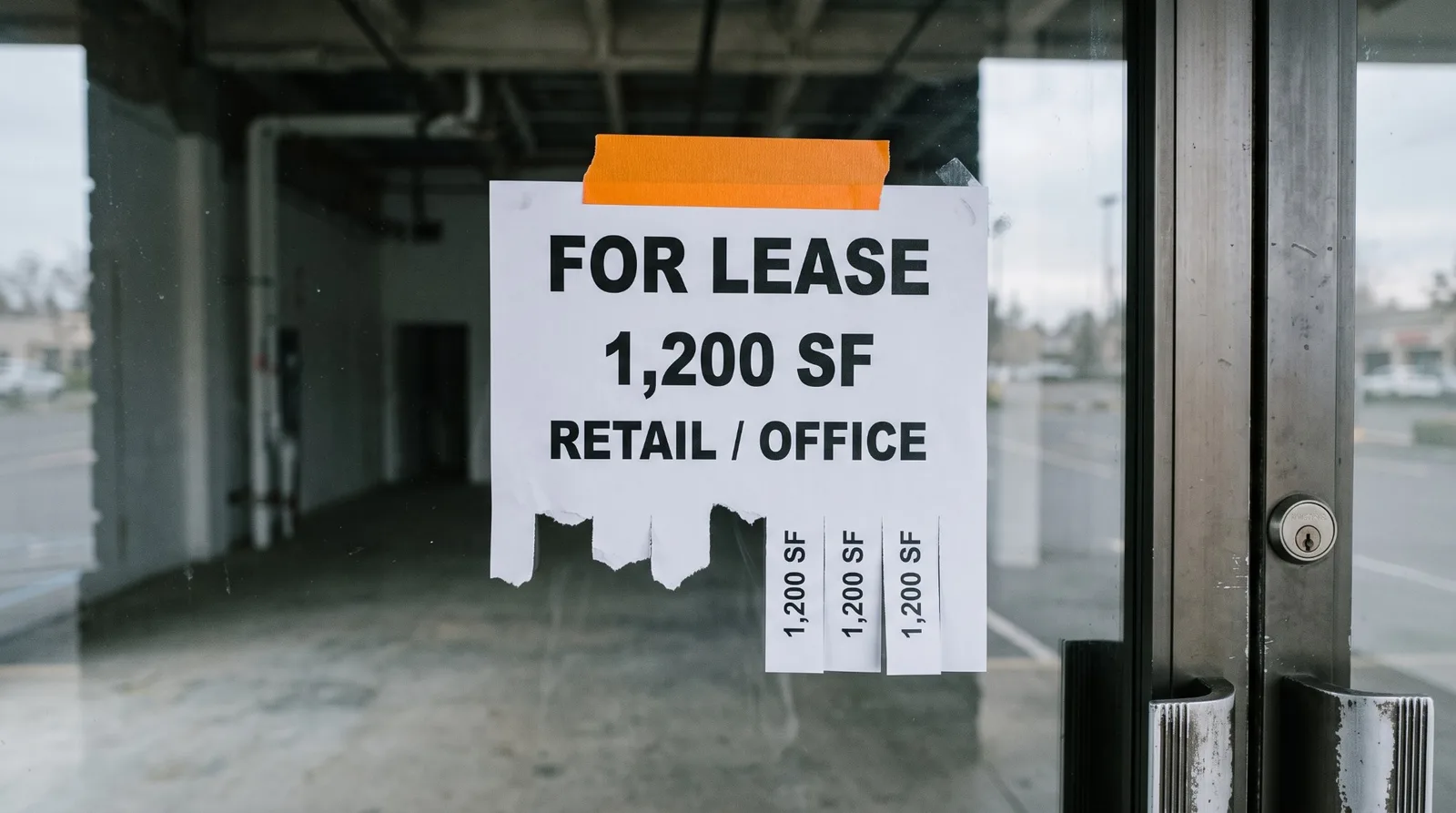
A mobile commercial real estate website is mostly a question about one page: the listings. Homepages get the attention, but a tenant or investor who taps through from an email, a text or a search lands on a property, on a phone. So we opened ten Sacramento-area commercial listings pages the way a phone would on October 12, 2026, and followed one property on each.
The short version:
Listings pages tested
Listings readable without fuss
A single property with its own page on the broker's domain, titled with the property
Property opened on someone else's domain (crexi.com or loopnet.com)
Offering memorandum behind a sign-up form
...of which the form was the vendor's, not the broker's
| What we checked, on a phone | Result |
|---|---|
| Listings pages tested | 10 |
| Listings readable without fuss | 7 |
| A single property with its own page on the broker's domain, titled with the property | 3 |
| Property opened on someone else's domain (crexi.com or loopnet.com) | 3 |
| Offering memorandum behind a sign-up form | 3 |
| ...of which the form was the vendor's, not the broker's | 2 |
We build websites for commercial brokerages, so weigh this accordingly. Everything here was seen on a real page and is in our notes, the method is at the end, and the firms that did well are named. The rest are not, because the pattern is the point.
Why a mobile commercial real estate website is the real test
Pew Research Center's 2025 survey found 91% of U.S. adults own a smartphone, and 16% are "smartphone-only" internet users, with no home broadband at all. Google's own documentation says: "Google uses the mobile version of a site's content, crawled with the smartphone agent, for indexing and ranking." So the phone version of your listings is the version search sees as well.
Commercial clients look for themselves too. A 2023 study LoopNet commissioned with Google found 80% of tenants and 89% of investors who had hired a broker still search for properties on their own at least sometimes. LoopNet sells listing exposure to brokers, so read that as the vendor's number. We looked for an independent study of how commercial buyers use phones in particular and, in the searches we ran, found none.
What a phone visitor saw
Seven of ten listings pages read well. Text at a normal size, no sideways scrolling, listings you could flick through. That includes most of the pages that frame a vendor's listing search, which is better than we expected.
Three did not.
- One has no mobile layout at all. The page carries no viewport tag, so a phone draws the desktop page and shrinks it to fit. Google's Lighthouse documentation describes exactly that: without the tag, "mobile devices render pages at typical desktop screen widths and then scale the pages down, making them difficult to read." The listings are all there, in type too small to read without pinching.
- One opens with its search form on top of the listings. The frame comes from RealNex, and on a phone its filter panel (property type checkboxes, price ranges, size ranges) fills the box and covers the 35 results behind it. A visitor sees a form, not a property.
- One frame is wider than the phone. A Buildout listing search spills past both edges of the screen, so its buttons are cut off, and the listings scroll inside a box about 580 pixels tall rather than with the page.
A milder version of that last one appeared on a CREXi page: the listings read well, but they sit in a box with its own scrollbar, so a thumb scrolling the page ends up scrolling the box instead. And one site's code tells phones not to let visitors zoom in. Google's web.dev guidance recommends against it because it "can prevent the user from zooming the viewport, potentially causing accessibility issues", though the W3C's own test rule notes most modern phone browsers ignore that instruction or let users override it.
Where one property lives
This is the bigger gap. When a tenant wants to send one space to a business partner, they need a link to that space.
Three sites give each property its own page on their own domain, with a title that names it. Northgate Commercial Real Estate uses addresses like /properties/ca/vallejo/3400-sonoma-blvd/, Turton Commercial Real Estate uses /property/the-ice-blocks/, and The Edwards Company uses /location/the-boulevard/. All three read well on a phone, with the address, use, size and rate near the top.
Three send the property to someone else's domain. Two open it on crexi.com in a new tab, and one links each listing to its LoopNet page. Those pages work on a phone. They are just not yours, and they sit next to everyone else's listings.
The rest share one address or have none. A Buildout site gives each property an address on its own domain, but in the form /properties?propertyId=1656143-sale, and every one carries the same page title. Its share buttons, inside the frame, send a buildout.com link rather than the broker's. A site with hand-built pages gives every property the same title. The RealNex frame opens each listing inside itself, so there is no address to copy at all. And one we could not check, because its property pages would not load in our test.
Text the link to yourself and the difference shows. A page's preview comes from tags most visitors never see. Of the three property pages on their own domain, two carry a preview image tag, so a text or a LinkedIn post shows the building. The third shows only the title.
The offering memorandum
Commercial buyers want the offering memorandum, and on a phone it is usually a PDF.
Three sites put the memorandum behind a sign-up. That can be a deliberate choice: CREXi's help center says it gives brokers "the ability to setup a confidentiality or non-disclosure agreement for any offering memorandum or due diligence material." The thing to notice is whose form it is.
- On two sites, the form was CREXi's. Tapping "View OM" on the broker's own page opened crexi.com, with the heading "Create a free account to download OM." The visitor is asked for a name, email, password and industry role to sign up with the platform, not with the broker. We did not see why it appeared, and we could not find a CREXi page saying whether that step is a default or a setting.
- On one site, the form was the broker's own, which is the better arrangement, but it sits on the desktop-size page described above: "The information you are attempting to access requires a one-time registration before you can proceed to download the PDF memorandum." On a phone, that is a five-field form in tiny type.
Three sites hand over the brochure with one tap, and also put the key facts on the page. That pairing is the right one on a phone: the visitor can read the size and rate without downloading anything, and take the PDF when they want it. The files were 1.0 MB, 3.6 MB and 10.3 MB. The last is a lot on a cellular connection for a document whose first page is what most people want.
A five-minute check on your own listings
- Open your listings page on your phone, on cellular data. Can you read a listing without pinching? Is anything covering the results? Does the page scroll as one page, or does part of it scroll inside a box?
- Tap one property and read the address bar. Your domain plus a path naming the property is the goal. A
?propertyId=string, a vendor's domain, or no change at all tells you where the page really lives. - Text that link to yourself. If the preview shows the building and its address, you are done. If it shows your firm's name and nothing else, every property is sharing one page.
- Tap the brochure or the memorandum. Note whose form appears, if any, and how big the file is.
We covered the desktop side of the same question in commercial listings on your website, and phone speed for these firms' homepages in our speed test.
What we would build
This part is ours to sell, so read it as a checklist you can hold anyone to, including us.
A page for every property on your domain, titled with the address and the space, with the size, rate, use and a map on the page itself, so a phone visitor never has to download anything to decide whether to call. A preview image on every property page, so a text or a post shows the building. The brochure as a link, kept small, and if you want a sign-up before the memorandum, your own short form on your own page, so the inquiry is yours. Listings fed from wherever your team already keeps them. More on how we approach commercial firms is on our commercial real estate page, and our commercial property explorer shows what a property page can be when it is not a PDF.
The price, in the open: a launch site starting at $900 and live in 48 hours, a full multi-page site starting at $4,500 and live in about a week, and Flare Care after launch.
Our own site
Fair is fair. We have no real listings, so the main question in this article cannot be asked of us. Our commercial pages pass the basic phone checks: no sideways scrolling, a preview image, a tap-to-call number, and the property explorer's 3D building renders on a phone. But the explorer is one fictional building on one page, not a set of property pages, and it proves the craft rather than the listing system this article describes.
How we did this
Sample. The ten listings pages we tested for our article on commercial listings: eight from the Sacramento-region firms in our count of commercial broker websites, drawn from the Department of Real Estate's licensee file, and two established Sacramento firms from that article's comparison group.
Test. On October 12, 2026, each listings page was loaded once in a real Chrome browser set to a 390 by 844 pixel phone screen with a normal Android Chrome identity, and so was the first single-property page it linked to. We recorded the page width, the viewport tag, text size, every embedded frame and its size, the preview tags, and every PDF link, and checked each verdict by eye on a screenshot. Two pages that refused our automated browser were opened again in an ordinary browser, because a refusal like that is usually a bot check, not the site. Where a cookie notice appeared we declined it. We submitted no forms and created no accounts.
What this does not measure. Speed, accessibility beyond the zoom setting, or whether the listings are current or accurate. Vendor widgets change without notice, so this is one day's snapshot.
If you run a commercial brokerage and want this check run on your listings, tell us about your brokerage. If you would rather see the price first, build your package in about two minutes.