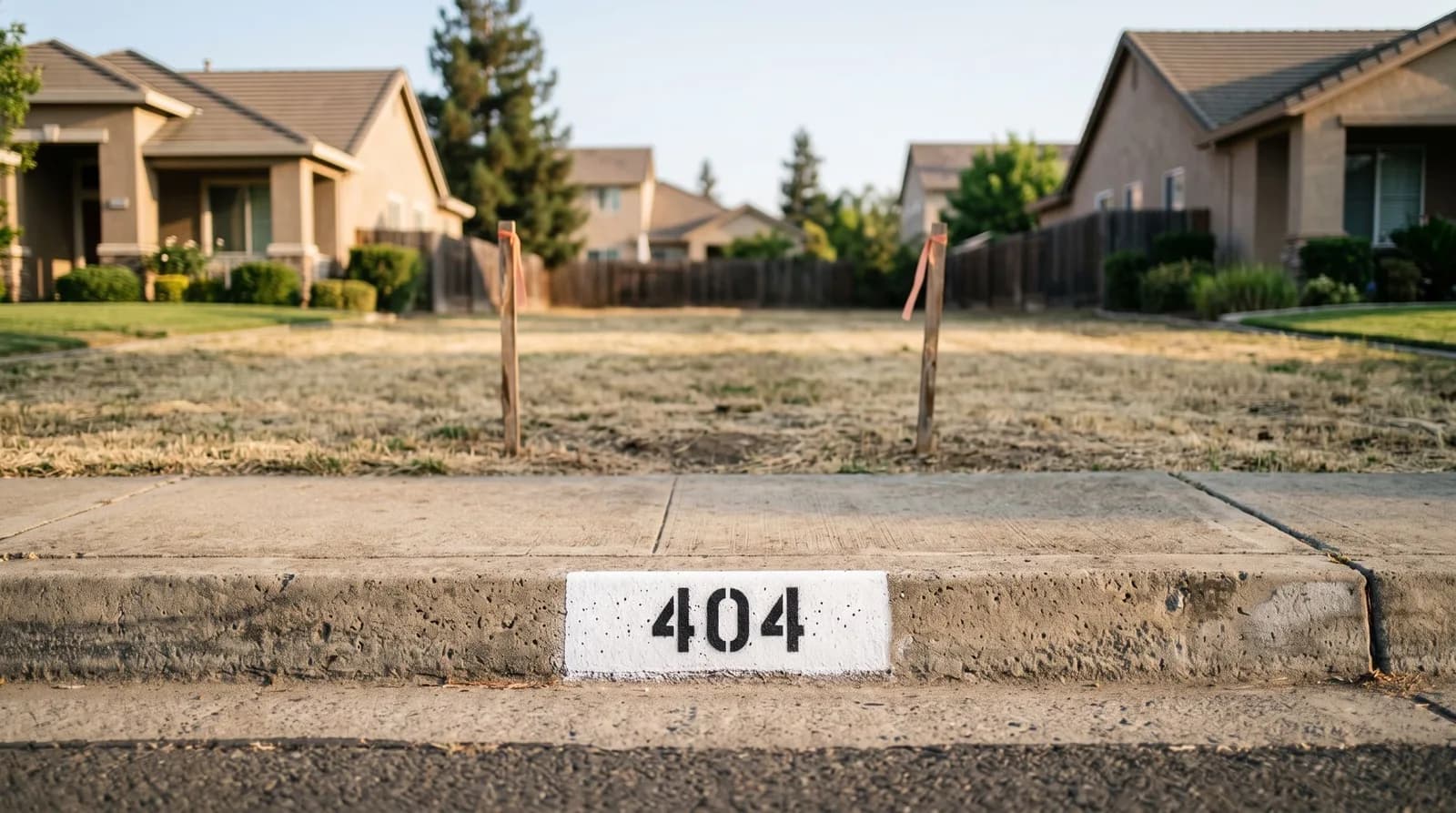
Every website gets visitors at addresses that do not exist: an old listing link someone saved, a typo on a flyer, a page you renamed last spring. What they see next is your real estate website 404 page, and most owners have never looked at theirs. We typed one made-up address into 43 Sacramento-area brokerage websites on October 16, 2026. 22 handled it well. 12 left the visitor with no link back into the site at all, and 4 told Google the missing page was a real one.
It is a page nobody plans, and a cheap one to get right. Here is what we saw, what Google asks for, and a ten-minute check you can run on your own site.
The sample is the same 43 brokerages we timed on a phone, read for their Google site name and checked for a tab icon. The method is at the end, and no firm is named.
What 43 brokerage sites show for a broken link
We asked each site for the same address, /this-page-does-not-exist-2026, and looked at what came back.
A clear "not found" message, the site's own menu, and a way on (home, search or listings)
A clear message and a home button, but no menu
A dead end: no link into the site at all
No message that the address is wrong
| What the visitor sees | Sites |
|---|---|
| A clear "not found" message, the site's own menu, and a way on (home, search or listings) | 22 |
| A clear message and a home button, but no menu | 6 |
| A dead end: no link into the site at all | 12 |
| No message that the address is wrong | 3 |
The 12 dead ends are mostly defaults nobody replaced. Four sites built with GoDaddy's website builder show its stock page, word for word: "File not found (404 error) If you think what you're looking for should be here, please contact the site owner." It has no link, and a visitor has no way to contact the owner from it. A fifth site shows the same words. Two sites show their web host's generic page, which is written to the site owner rather than the visitor ("If this is your site...") and links to the host's support guide. Two more show a bare server message in plain black text.
The 3 that never say the address is wrong do something different. One shows the homepage at the broken address. One shows the header and footer with nothing between them, so the only place the words "Page not found" appear is the browser tab. One shows a page of search results listing every property it has, which is useful, but the visitor is never told the link they followed is broken.
Two jobs: one for the visitor, one for Google
A 404 page talks to two audiences at once, and they read different things.
The visitor reads the page. They need to be told plainly that the page is not here, and given a way to carry on. Squarespace's default 404 page is a fair baseline: it "lets visitors know why the content may not be appearing, and includes links to your site's homepage and search page". All four Squarespace sites in our sample used it, and all four landed in the top row. Wix's help page suggests you "Add a site menu" and "Add links to popular sections of your site that your visitors might be looking for". On a brokerage site those popular sections are obvious: listings, home search, and your phone number.
Google reads the code. Every page answers with a number before anything is shown. A missing page should answer 404 (Not Found). Google's JavaScript basics page says to "use a meaningful status code, like a 404 for a page that could not be found". Answered that way, Google simply drops the address: it "doesn't index URLs that return a 4xx status code", per its status code documentation, and those codes "have no effect on crawl rate". A correct 404 costs you nothing.
37 of the 43 sites sent the right code. The other six did not:
- Four answered 200, which means "OK, here is the page". Google's Page indexing help calls this a soft 404: a page that "returns a user-friendly "not found" message but not a 404 HTTP response code", and it recommends "returning a 404 response code for truly "not found" pages". Two of the four had good-looking, well-designed error pages. The design was right and the code under it was wrong.
- One answered 218, a number the official register leaves unassigned. The HTTP standard tells browsers and crawlers to treat an unknown code in the 200s as a plain 200. That site's error page does carry a "noindex" tag, which is the other fix Google accepts, so it gets away with it.
- One answered 500, a server error. Google says a server error makes it lower its crawl rate for the site, in proportion to how many addresses return one. A visitor sees a page reading "Internal Server Error", with the web administrator's email address on it.
Four ways a real estate website 404 page goes wrong
- It talks to the wrong person. "Contact the site owner" and "If this is your site" are written for whoever runs the website. The visitor is a seller who clicked an old link, and the page gives them nothing to click.
- It points at something that is not there. One page tells visitors to "use the links in the menu bar above". The page has no menu bar and no links.
- It sends everyone to the homepage. It feels helpful, but the visitor wanted a particular listing and lands on a hero image with no explanation. Google's site move guide warns that redirecting old addresses to "one irrelevant single URL destination, such as the home page" can "confuse users and might be treated as a soft 404 error." Redirect an old address to its true replacement when there is one, and let everything else show the 404 page.
- It looks right and answers OK. This is the one you cannot see by looking. Squarespace's own help warns that if you build a custom 404 page you "might see a "Soft 404" alert" in Search Console, so check the code after any redesign, not just the look.
Our own site
We ran the same address on www.flarebuilt.com. It answers 404, carries a noindex tag, and keeps our full menu, with a Back home button and a link to start a project. The gap, which we would rather name than leave out: there is no link to the blog and no search box. Someone who follows a mistyped link to one of these posts has to find the blog in the menu on their own. That is on our list.
Check yours in ten minutes
- Visit a made-up address. Type your domain followed by
/this-page-does-not-existinto your browser. Framer's help page suggests exactly this test. - Read it as a stranger. Does it say the page is missing in plain words? Can you reach your listings, your home search and your phone number without the back button?
- Check the code. Open your browser's developer tools (F12 on Windows), choose the Network tab, and reload. The first row's Status column should read 404, not 200 or 500.
- Fix it where your builder keeps it. Squarespace has it under Pages, then System Pages, then 404 Page. Wix offers a 404 Error Page template, but notes "you need to have a premium plan". In WordPress the theme's
404.phpfile draws it. On Netlify, a404.htmlfile at the top of the site "will be picked up and displayed automatically". Framer has "New 404 Page" in the Pages panel. We could not find GoDaddy website builder instructions for changing its page in the searches we ran, so ask its support. - Redesign? Check again. A new theme or a new builder brings its own default 404 page with it.
What we would build
A brokerage site whose 404 page keeps your menu, says plainly that the page is gone, and offers your listings, your home search and your phone number, answering the correct 404 code, with every renamed page redirected to its replacement before launch. A launch site starts at $900 and is live in 48 hours, and a full brokerage site starts at $4,500 and is live in about a week, with Flare Care keeping it current for the months after.
If you want this check run on your site, tell us about your brokerage, or build your package in about two minutes.
How we checked
The sites are every live website from our two earlier Sacramento-area audits: brokerage corporations licensed in Sacramento County since 2024 (residential) and Sacramento-region corporations with Commercial or CRE in their licensed name (commercial), the same 43 as our speed, site name, security, link preview and tab icon checks.
On October 16, 2026, as an ordinary desktop browser, we requested each homepage once and one made-up address on each site once, recorded the code each answered, then opened the made-up address in a real browser, took a screenshot and read the page. Every verdict was made by eye from the screenshots. To check the result did not depend on one address, we then requested a second made-up address on every site: 41 of 44 answered the same way. One site's secure address did not load (its certificate is not trusted), so we read it over its plain address. Nothing was submitted, and no login was used.
What it cannot see: we checked one day, at desktop size, and we did not look at what Google has actually indexed for these addresses. The line between a "clear message and a home button" page and a fully helpful one is our judgment.