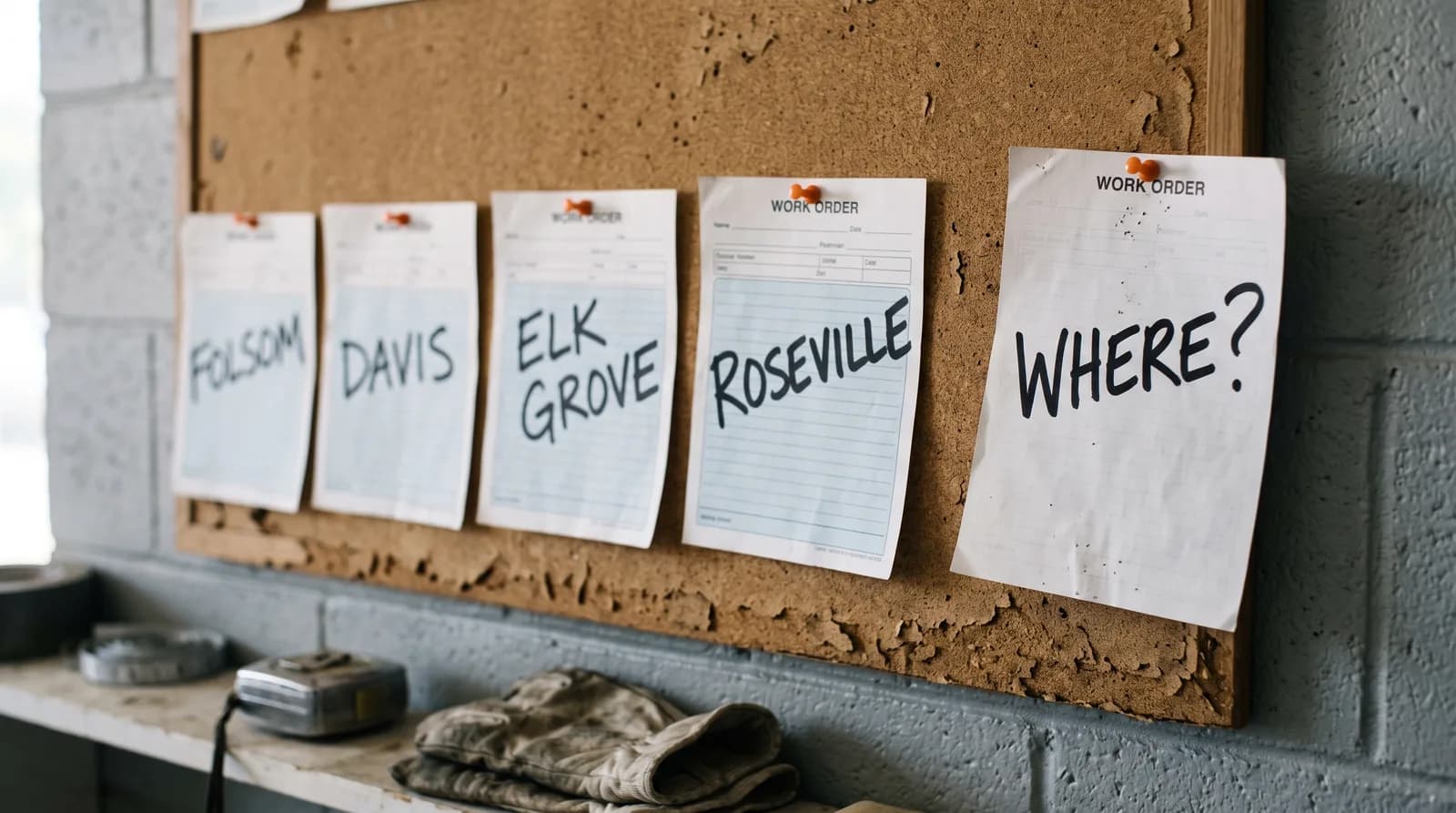
A homeowner in Folsom finds your website. Before they read about your experience or your warranty, they want to know one thing: do you come out here? A contractor service area page, or a short list of towns on your homepage, is how you answer it without making them call to ask.
We read the websites of the 18 Sacramento-region contractors from our audit of licensed contractors to see how many answer that question. Seven list the towns or counties they serve. Six name one town or a broad region. Five name no place at all, beyond a street address or, in one case, not even a state.
We build websites for trade contractors, so weigh this accordingly. Everything below was measured on 2026-10-14, the method is at the end, and the only firm named is one doing something well.
What the town on your website does, and what it does not
Start with what it does not do. Google's help page on local ranking says local results "are mainly based on relevance, distance, and popularity," and that distance "refers to how far each business is from the customer who's searching" (Google Business Profile Help). A list of twenty towns on your website does not move your business closer to anyone. Google does not say it helps you show up on Maps in those towns, so we will not either.
What it does do is answer the customer. Someone who reached your site from a neighbor's text, a truck they saw, or a search result has no idea whether Elk Grove is too far for you. If the page does not say, the cheapest thing for them to do is go back and try the next contractor.
Your Google listing has its own version of this. A Business Profile can hold "up to 20 service areas based on the cities, postal codes, or other areas you serve," and Google says the overall area "shouldn't be more than about 2 hours of driving time from where your business is based" (Google Business Profile Help). The same page asks you to "be as specific and accurate as possible." That is a good rule for the website too. If you set your Google profile up as a service-area business, which hides your home address, the website is where the customer reads the list in full. Our Google Business Profile post for contractors covers that setup.
Contractor service area page: what 18 sites say
We read each homepage, every page it links to about areas or towns, and the site's sitemap, then sorted the sites by what they tell a customer about where they work.
List specific towns or counties somewhere on the homepage
Name only one town or a broad region ("the Sacramento area", "Northern California")
Name no place at all, beyond a street address
Show a place name on the first screen of a phone, without scrolling
Have a separate page for each town they serve
Use areaServed in their structured data
| The 18 contractor sites... | Sites |
|---|---|
| List specific towns or counties somewhere on the homepage | 7 |
| Name only one town or a broad region ("the Sacramento area", "Northern California") | 6 |
| Name no place at all, beyond a street address | 5 |
| Show a place name on the first screen of a phone, without scrolling | 9 |
| Have a separate page for each town they serve | 3 |
Use areaServed in their structured data | 0 |
The seven that do it well look much alike. A plumber's homepage opens with "Serving Placer and El Dorado Counties" on the first phone screen and names fifteen towns further down. An electrician's hero reads "Woodland & Sacramento Valley" and a band lower on the page lists eight places. A roofer's footer runs through twenty-two towns under "Service Areas". None of it is clever. It is just there.
Three ways to say nothing
The five sites that name no place, and a few of the six with only a region, fall into three patterns:
- A street address and nothing else. The address tells a customer where your office is, not how far you drive. A homeowner in Davis looking at an address in Loomis has to guess.
- "Our community." One roofer's homepage says it "has proudly served our community" for over two decades and never says which community. The words are warm. They answer nothing.
- A region too big to mean anything. "Northern California" covers hundreds of miles. "The Sacramento area and beyond" is the same answer with a longer tail. If you really do work across a wide area, list the counties.
Four of the five that named no place are low-voltage firms (phone systems, cabling, security) that work for businesses, which may buy differently from a homeowner with a leak. A business is still deciding whether you will drive to its building.
Town pages: one worth copying, two that are not
Three of the 18 sites built a separate page for each town. This is where most of the risk is, because Google has a name for doing it badly. Its spam policies describe doorway abuse as pages "created to rank for specific, similar search queries" that "lead users to intermediate pages that aren't as useful as the final destination," and the examples include "pages targeted at specific regions or cities that funnel users to one page" and "substantially similar pages that are closer to search results than a clearly defined, browseable hierarchy" (Google Search Central, updated 2026-08-28).
Here is what the three looked like.
The one worth copying. Able Electric in Diamond Springs has an "Areas We Serve" page in its main menu and six town pages. Each one says something true about that town's homes. The Camino page says the town "features a mix of apple orchard properties, rural homesteads, older cabins, and custom homes spread across larger lots," and talks about "detached workshops, barn structures, well pumps". The Pollock Pines page is about "mountain cabins, older rural homes, and newer builds." We measured how much of each page is written for its town and found 31% to 49%, with the rest a shared block about services and safety. That is a page a customer in Camino would actually read.
The town swapped and little else. A roofing site has four town pages. We replaced every place name with the same placeholder and compared them. About 87% of each page is the homepage, word for word. What changes is the headline ("Your Trusted Partner in Roofing Excellence in Folsom") and one paragraph, reworded slightly from town to town. This is the pattern the doorway policy describes. It also gives the customer in Folsom nothing the homepage did not.
Pages that only exist if you click. An electrician links to eight town pages from its homepage. Click one inside the site and a short page appears. Load the same address directly, the way it opens from a search result or a link someone texted you, and the server answers "404, not found" with a blank page. We confirmed it in an ordinary browser as well as by script. We also found no sitemap at the usual addresses, so nothing tells a search engine those pages exist apart from the links. It is a setup problem, not a writing one, and it is easy to miss because the owner only ever reaches the pages by clicking.
So the rule is simple. If you can write something specific about each town (the kind of houses, the age of the wiring, the permit office, a job you did there), a town page earns its place. If you cannot, one good list on one page beats twenty thin pages.
What about schema?
Some web designers will tell you to add areaServed to your site's structured data. None of the 18 sites had it, and it is not where we would start. Google's local business structured data page (updated 2026-09-08) requires a name and an address and lists a set of recommended properties; areaServed is not among them. Google may read it somewhere else, but we found nothing from Google saying so. Put the towns in words a customer can read first.
How to say where you work, in order
- Put one place on the first screen. Your town or county in the headline or right under it: "Electrician in Woodland and the Sacramento Valley." Nine of the 18 sites did this on a phone.
- List the towns once, in words. A short section on the homepage or one page called "Areas we serve". Specific towns or counties, not "and beyond."
- Make it match your Google profile. The same towns, up to 20, inside about two hours' drive.
- Only build town pages you can write. Something true about each place, or skip it.
- Test the pages the hard way. Paste each town page's address into a fresh browser tab instead of clicking to it. If you get a blank page or "not found", so does anyone arriving from a search.
You can check the first and last in two minutes with the phone in your pocket.
Our own site
We ran the same check on flarebuilt.com. Our first screen names no place. "Sacramento, California" and "Available worldwide · Remote-first" sit in the footer, and a link mid-way down the homepage mentions Sacramento. We work remotely, so a list of towns would not mean much for us, but a customer still has to scroll to the bottom to learn where we are. And our structured data uses areaServed, the property Google's local business page does not list. It does no harm, and it is not doing the job the footer line does.
What we would build for a contractor
A site where the first screen says your trade and your town, one section lists every place you will drive to, and any town page we write says something true about that town. It is the thing a lead seller's page cannot copy. What a site like that costs is in our contractor website cost guide, and the other first-screen essential, a call button that works, is in our click-to-call post. Get in touch and we will read your site the way a customer from the next town over would.
How we did this, so you can check it
- The contractors. The same 42 as our audit of licensed contractors: seven each in plumbing, HVAC, electrical, roofing, low voltage and general building, drawn at random from the Contractors State License Board's public file for Sacramento, Placer, El Dorado and Yolo counties. Eighteen have a website of their own.
- The read. On 2026-10-14, one load of each homepage in Chrome at desktop size, scrolled so every section rendered; the site's robots.txt and sitemap; and up to 16 linked pages whose name or link pointed at an area or a town. Nothing was submitted and no login was used. Every place name was read in context and sorted by hand, because a town in a customer review or a street address is not a service area.
- The phone screen. The same day, each homepage at 390 by 844 pixels with an ordinary Android Chrome browser identity. A site counted only if a place name was visible on the first screen, checked by eye on a screenshot. A region that appeared only inside the closed menu did not count.
- Town pages. Every place name replaced with one placeholder, then each line of a town page counted as unique only if it appeared on no other town page of that site and not on the homepage. The blank-page result was confirmed with a direct request (status 404) and in a regular browser.
- Limits. Eighteen sites in one region, so nothing here is a rate for California or the trades. A site may name its area on a page we did not open, such as a contact or about page.